
Upgrade Your Setup: Best DDR4 Laptop RAM Options Available
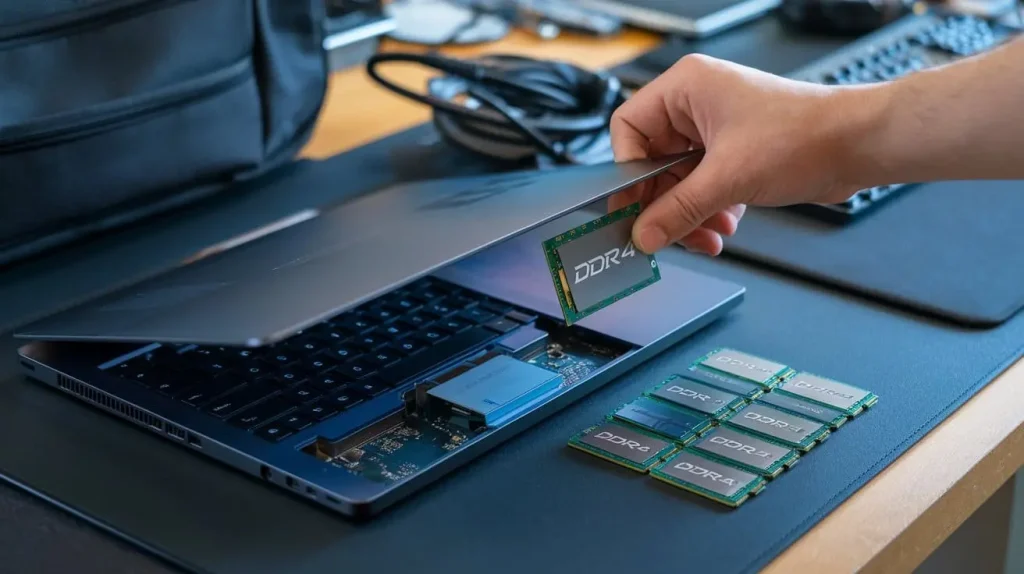
Upgrading your laptop’s memory is one of the most effective ways to enhance its performance. If you’re looking for the best DDR4 laptop RAM options available, you’re in the right place. This guide covers everything from understanding DDR4 RAM to the best products for gaming, Ryzen processors, and high-capacity needs.
Content
Understanding DDR4 Laptop RAM
What is DDR4 RAM?
DDR4 RAM (Double Data Rate 4 Synchronous Dynamic Random Access Memory) is the latest generation of RAM used in laptops and desktops. It offers several improvements over its predecessor, DDR3, including higher speed, increased bandwidth, and lower power consumption.
Benefits of Upgrading to DDR4 Laptop RAM
Upgrading to DDR4 laptop RAM provides multiple advantages:
- Improved Performance: Faster speeds result in quicker load times and better multitasking capabilities.
- Future-Proofing: As software becomes more demanding, upgrading to DDR4 ensures your laptop can handle future applications and games.
Factors to Consider When Choosing DDR4 Laptop RAM
Capacity: How Much Do You Need?
Choosing the right capacity for your DDR4 laptop RAM is crucial. Here’s a quick guide:
- 8GB: Suitable for basic tasks like web browsing and word processing.
- 16GB: Ideal for gaming and moderate multitasking.
- 32GB: Recommended for heavy gaming, video editing, and other resource-intensive applications.
- 64GB: Best for professional content creators and those who run multiple virtual machines or applications simultaneously.
Speed and Latency
RAM speed is measured in MHz, while CAS latency (CL) indicates the delay time in clock cycles. Higher speeds and lower latencies contribute to better overall performance. Here’s a comparison table of different DDR4 speeds:
| RAM Speed (MHz) | Common CAS Latency | Performance Impact |
| 2400 | CL15 | Basic Performance |
| 2666 | CL16 | Moderate Performance |
| 3200 | CL16 | High Performance |
| 3600 | CL16 | Very High Performance |
Compatibility
Before purchasing DDR4 laptop RAM, ensure it’s compatible with your laptop. Check your laptop’s specifications for:
- Maximum RAM capacity
- Supported RAM speed
- Whether it supports dual-channel configuration
Best DDR4 RAM for Gaming
When it comes to gaming, the right DDR4 laptop RAM can make a significant difference in your experience. Here are some of the top choices for gamers:
Top DDR4 Laptop RAM Choices for Gamers
1. Corsair Vengeance DDR4 16GB
- Features: Speed of 3200 MHz, CL16, and stylish heat spreaders.
- User Reviews: Highly rated for reliability and performance in gaming environments.
2. G.Skill Ripjaws 32GB
- Features: Speed of 3200 MHz and excellent thermal performance.
- User Reviews: Praised for great overclocking potential and stability.
3. Crucial Ballistix 64GB
- Features: Speed of 3200 MHz, customizable RGB lighting, and low profile design.
- User Reviews: Noted for enhancing gaming performance in resource-intensive games.
Performance Comparison Table
| RAM Model | Capacity | Speed (MHz) | CAS Latency | User Rating |
| Corsair Vengeance | 16GB | 3200 | CL16 | 4.8/5 |
| G.Skill Ripjaws | 32GB | 3200 | CL16 | 4.7/5 |
| Crucial Ballistix | 64GB | 3200 | CL16 | 4.9/5 |
Best DDR4 RAM for Ryzen
Why Ryzen Users Need Special Considerations
AMD Ryzen processors benefit significantly from high-speed RAM due to their architecture. Choosing the right DDR4 laptop RAM can optimize performance, especially in gaming and content creation tasks.
Top Picks for DDR4 RAM Compatible with Ryzen
1. G.Skill Trident Z Neo 16GB
- Performance: Specifically designed for Ryzen, enhancing overall system performance.
2. Teamgroup T-Force Vulcan Z 32GB
- Value: Affordable and provides excellent performance for gaming and productivity.
3. Corsair Vengeance LPX 64GB
- Reliability: Known for its high compatibility and low latency.
Performance Benchmarks
When considering DDR4 laptop RAM for Ryzen systems, check benchmarks for real-world performance in gaming and productivity applications.
| RAM Model | Capacity | Speed (MHz) | User Rating | Price (USD) |
| G.Skill Trident Z Neo | 16GB | 3600 | 4.8/5 | $79 |
| Teamgroup T-Force Vulcan | 32GB | 3200 | 4.7/5 | $120 |
| Corsair Vengeance LPX | 64GB | 3200 | 4.9/5 | $229 |
Recommended 64GB DDR4 Laptop RAM Options
Why Choose 64GB DDR4 Laptop RAM?
64GB DDR4 laptop RAM is ideal for heavy multitasking, gaming, video editing, and running virtual machines. It significantly enhances performance in demanding applications.
Top 64GB DDR4 Laptop RAM Choices
1. Kingston Fury Impact 64GB
- Features: Low profile for easy installation, and high-speed performance.
2. HyperX Impact 64GB
- Performance: Known for its excellent reliability and performance in demanding tasks.
3. Crucial 64GB DDR4 Laptop RAM
- Reliability: Provides a long warranty and robust performance.
Comparative Analysis of Performance
| RAM Model | Speed (MHz) | User Rating | Price (USD) |
| Kingston Fury Impact | 3200 | 4.7/5 | $249 |
| HyperX Impact | 3200 | 4.8/5 | $239 |
| Crucial | 2666 | 4.6/5 | $199 |
Installation and Upgrading Your DDR4 Laptop RAM
Step-by-Step Guide to Installing DDR4 RAM
- Tools Needed:
- A small screwdriver and an anti-static wrist strap.
- Safety Precautions:
- Always power off your laptop and unplug it.
- Ground yourself to avoid static damage.
- Installation Process:
- Open the laptop’s back panel to access the RAM slots.
- Carefully insert the new RAM modules into the empty slots, ensuring they click into place.
- Close the back panel and power on the laptop.
Troubleshooting Common Installation Issues
If your laptop doesn’t recognize the new DDR4 laptop RAM:
- Reseat the RAM modules.
- Check compatibility with the laptop specifications.
- Ensure the laptop firmware is up to date.
Conclusion
In summary, upgrading your laptop’s DDR4 laptop RAM can drastically improve its performance, especially for gaming and resource-intensive tasks. The options mentioned above cater to various needs, whether you’re a gamer, a Ryzen user, or a professional content creator.