
WiFi Extender vs Repeater: Which is Better for Your Network?
When it comes to boosting your WiFi signal, the terms “WiFi extender” and “WiFi repeater” are often used interchangeably. However, they serve different functions and are suitable for different types of networks. Understanding the key differences between these devices can help you make the right choice for your home or office network. In this article, we will compare WiFi extenders and repeaters, explain how each one works, and guide you toward selecting the best solution for your needs.
Content
WiFi Extenders vs Repeaters: What’s the Difference?
To choose the best device for your network, it’s crucial to understand the core differences between WiFi extenders and repeaters.
WiFi Extender
A WiFi extender, also known as a WiFi range extender, is a device designed to increase the range of your existing WiFi network by receiving the signal from your router and then rebroadcasting it to areas where the signal is weak or nonexistent. It essentially creates a second WiFi network in your home, which can improve coverage in larger areas.
WiFi Repeater
On the other hand, a WiFi repeater takes the existing signal from your router, amplifies it, and retransmits the signal to areas with poor reception. Unlike extenders, repeaters don’t create a new network—they simply extend the coverage of your existing WiFi.
| Feature | WiFi Extender | WiFi Repeater |
|---|---|---|
| Range | Extends the range by creating a new network. | Amplifies the existing network signal. |
| Speed | Can maintain higher speeds at extended range. | May reduce speed due to the way it works. |
| Setup | Requires more setup, as it creates a new network. | Simpler setup, but may reduce overall bandwidth. |
| Best For | Larger homes or offices. | Small homes or single-room solutions. |
iFi extenders are typically better for larger spaces, while repeaters are best for small to medium-sized areas with a single WiFi network.
How Does a WiFi Repeater Work?
A WiFi repeater works by receiving your router’s WiFi signal and then amplifying it before rebroadcasting it to areas where the signal is weak. It does not create a new WiFi network like an extender; instead, it strengthens the existing network’s coverage.
WiFi Repeater Setup:
- Step 1: Plug the repeater into an electrical outlet in a location where your current WiFi signal is still strong.
- Step 2: Connect the repeater to your router’s WiFi network by following the manufacturer’s instructions. Many devices allow you to connect via an app or web interface.
- Step 3: Once connected, the repeater will start broadcasting the WiFi signal to the areas that previously had weak coverage.
Pros and Cons of a WiFi Repeater:
Pros:
- Simple and quick setup.
- Suitable for small areas with limited signal coverage.
Cons:
- May reduce network speed as the repeater shares bandwidth with the original router.
- Limited range compared to WiFi extenders or mesh systems.
How Does a WiFi Extender Work?
A WiFi extender works by connecting to your existing router’s network and creating a second network in areas that need improved coverage. Unlike repeaters, which just amplify the existing signal, extenders help in creating a new network that can be used to access a stronger WiFi signal further from the router.
WiFi Extender Setup:
- Step 1: Plug the WiFi extender into a power outlet midway between your router and the area where you need better coverage.
- Step 2: Use the extender’s setup process, which often involves pressing a button to sync with your router.
- Step 3: Once set up, your WiFi extender will broadcast its own network, providing a better signal in areas where the original signal was weak.
Benefits of a WiFi Extender:
- Extends WiFi range further than repeaters.
- Helps maintain high speeds at greater distances from the router.
- Can handle multiple devices in larger spaces.
4. WiFi Extender vs Repeater vs Mesh: What’s Best for Your Network?
While WiFi extenders and repeaters are popular choices, there is another solution to consider: WiFi mesh systems.
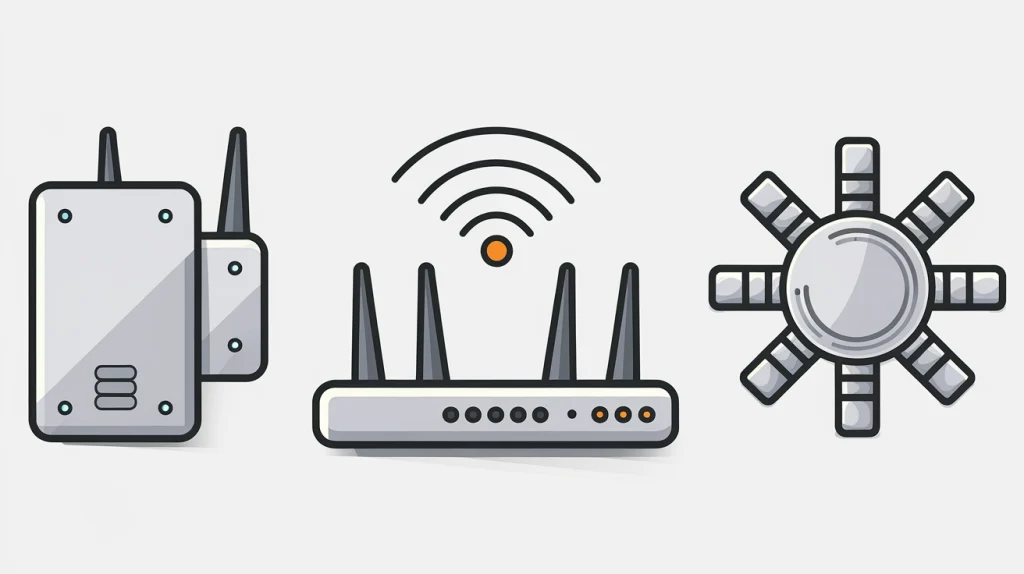
WiFi Mesh System
A WiFi mesh system consists of multiple access points that work together seamlessly to provide strong and consistent WiFi coverage throughout your home or office. Unlike extenders and repeaters, mesh systems use a dedicated communication channel between the nodes to reduce speed loss and ensure continuous coverage.
WiFi Extender vs Repeater vs Mesh:
- WiFi Extender: Best for larger homes with weak spots, where creating a second network is beneficial.
- WiFi Repeater: Ideal for small to medium-sized areas that only need a simple boost in coverage.
- Mesh Network: Best for large homes or offices where you need consistent coverage across multiple floors or rooms without performance degradation.
5. Best WiFi Extender for Home Use
When it comes to choosing the best WiFi extender for home use, several factors should be considered, including range, speed, and compatibility with your existing router.
Top Recommendations:
- Netgear Nighthawk X6S AC2200: Known for its robust speed and long range, this WiFi extender is perfect for larger homes.
- TP-Link RE650 AC2600: Provides excellent range and speed, ideal for streaming and gaming in large homes.
- Linksys RE7000 Max-Stream AC1900: A good option for households with multiple devices, offering solid performance in extending WiFi signals.
Factors to Consider:
- Range: Make sure the extender can cover the size of your home.
- Compatibility: Ensure it’s compatible with your router’s WiFi standard.
- Speed: Choose an extender that supports high-speed internet if you stream or game.
Best WiFi Repeater for Home Use
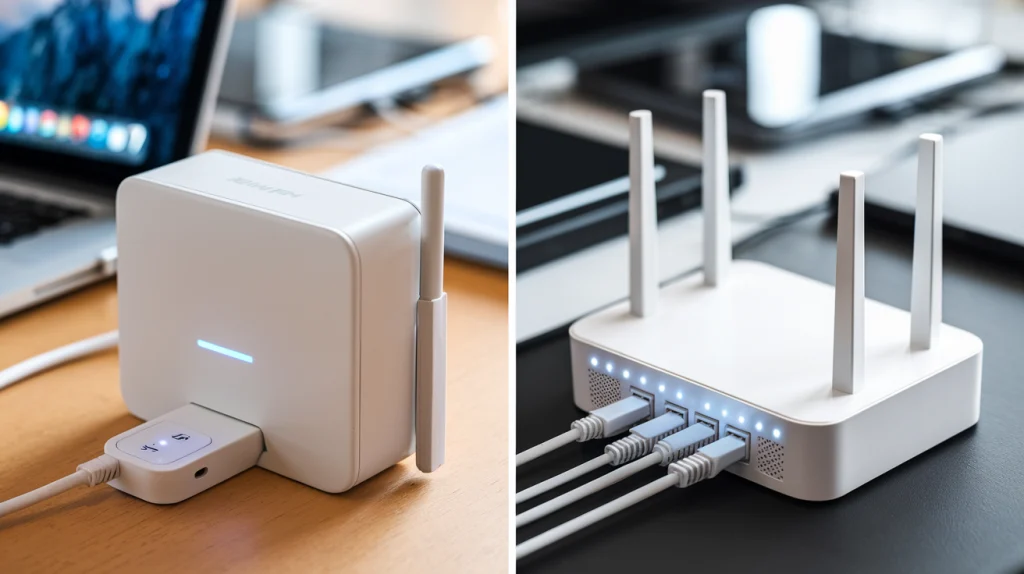
If you’re looking for a WiFi repeater for home use, you’ll want one that balances cost and functionality.
Top Recommendations:
- TP-Link RE200 AC750: A budget-friendly option for boosting WiFi signals in small spaces.
- Netgear WiFi Range Extender EX3700: Offers dual-band coverage and is great for smaller homes or apartments.
- D-Link DAP-1610 AC1200: An easy-to-install repeater that can cover up to 1200 square feet.
Factors to Consider:
- Speed: If you need fast internet for work or streaming, choose a higher-speed model.
- Compatibility: Ensure your repeater is compatible with your router.
Which is More Cost-Effective: WiFi Extender or Repeater?
In terms of cost-effectiveness, WiFi repeaters tend to be cheaper than extenders. However, they may not provide as much coverage or speed. If you’re working with a small budget and just need a small boost in coverage for a single room, a repeater may be the right choice. On the other hand, if you have a larger space and need more consistent coverage, investing in a WiFi extender will provide better performance over time.
WiFi Extender vs Repeater: Which is Easier to Set Up?
WiFi Repeaters are generally easier to set up. Many models require only plugging them in and following a few simple instructions to sync with your router. WiFi extenders, however, can be a bit more complex since they create a new network and require more careful placement to ensure optimal coverage.
When to Use a WiFi Extender vs Repeater
- WiFi Extender: Use this when you need to extend WiFi coverage in larger homes or multi-story buildings where a single WiFi network isn’t sufficient.
- WiFi Repeater: A repeater is best for improving signal in smaller areas, such as a single room or a small apartment.
Final Thoughts
In conclusion, the choice between a WiFi extender vs repeater depends largely on your space and needs. If you need to cover a large area with consistent WiFi speeds, a WiFi extender is the better choice. For smaller areas with minor signal issues, a WiFi repeater can offer a more budget-friendly solution. However, if you’re dealing with complex multi-room or multi-floor spaces, a mesh system might be the ultimate option.