
Effective PC Water Cooling Kits for Enhanced PC Cooling
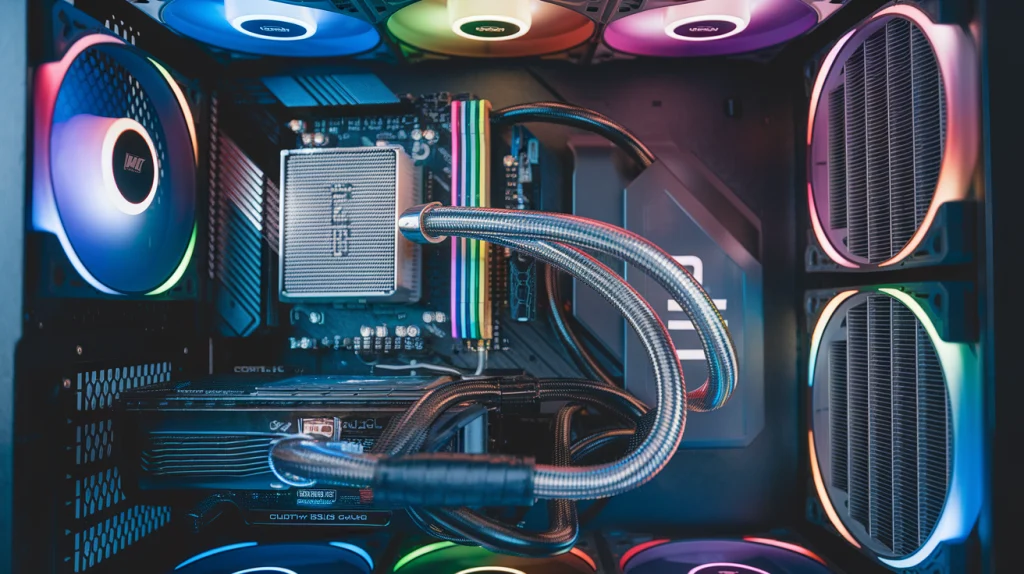
When building or upgrading your PC, one of the most important considerations is how to manage heat. Traditional air cooling systems often struggle to keep up with high-performance components, especially during intense gaming sessions or heavy workloads. This is where PC water cooling kits come into play. These advanced cooling solutions offer superior heat dissipation and quieter performance, ensuring your PC runs smoothly even under extreme conditions. In this article, we’ll explore the different types of water cooling kits available, their benefits, and how to choose the best one for your PC build.
Content
Introduction to PC Water Cooling
What is PC Water Cooling?
PC water cooling refers to a system that uses liquid (usually coolant) to absorb and transfer heat away from key components like the CPU, GPU, and sometimes even the memory. This liquid is then passed through a radiator, where it is cooled by fans, and eventually recirculates back into the system. The goal of PC water cooling is to keep your components at optimal temperatures, preventing overheating and ensuring sustained high performance.
Why is PC Water Cooling Important?
As computers become more powerful, their components generate more heat. Overheating can lead to throttling (reduced performance) or even hardware failure. Air cooling systems, while effective, often cannot keep up with the thermal demands of high-end CPUs and GPUs, especially when overclocked. This is where PC water cooling systems shine. They offer more efficient heat dissipation, which can significantly enhance your PC’s performance, especially for gaming, overclocking, or running demanding software like video editing programs.
Understanding the Components of a PC Water Cooling Kit
Key Components of a Water Cooling Kit
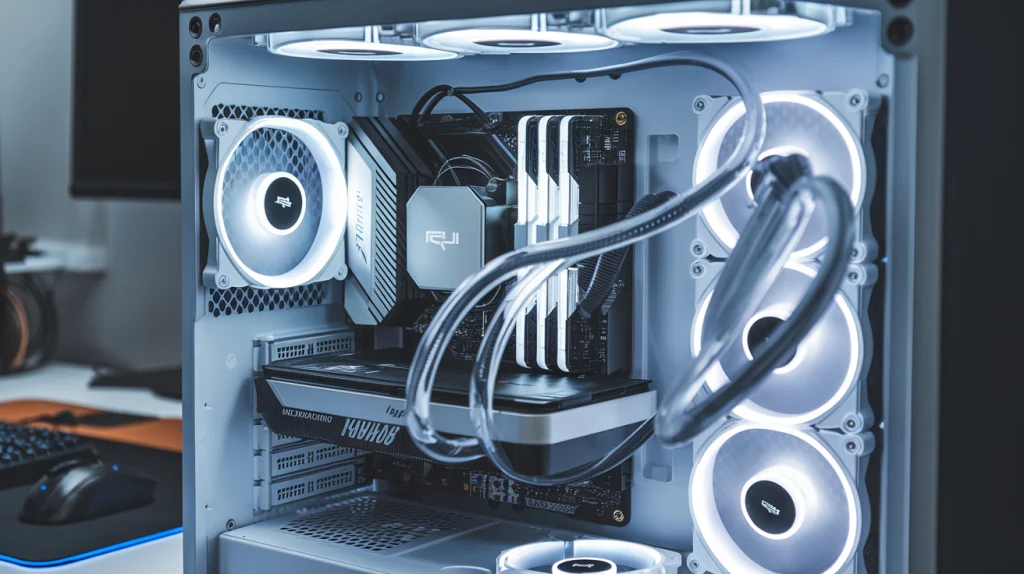
A PC water cooling kit typically consists of several key components, each playing a vital role in the cooling process:
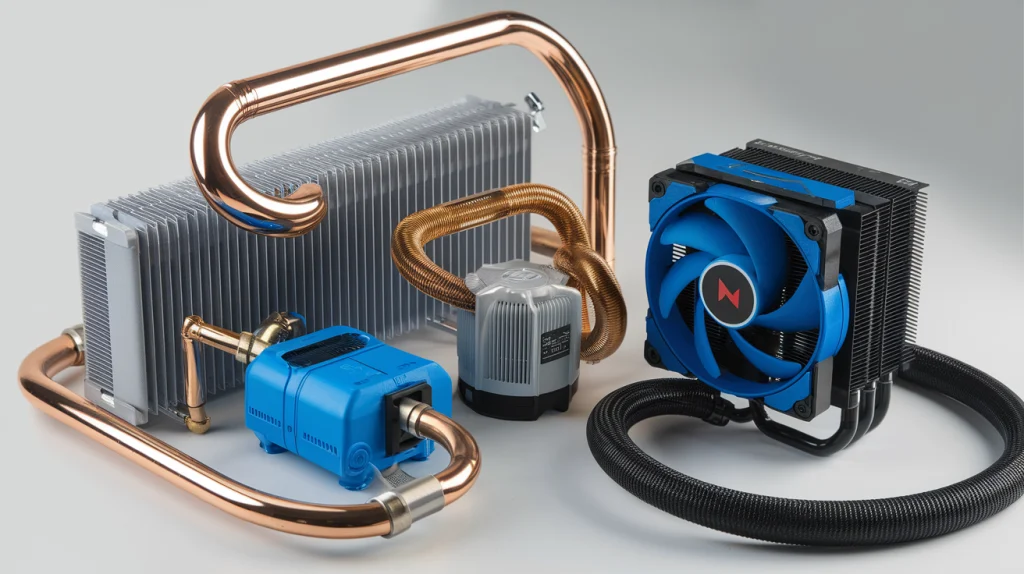
- Water Block: The water block is the part that directly contacts your CPU or GPU. It allows the coolant to absorb heat from the component and carry it away.
- Pump: The pump is responsible for circulating the coolant through the system. It ensures that the liquid flows continuously, carrying heat away from the components to the radiator.
- Radiator: The radiator is where the coolant loses its heat. It works similarly to a car radiator, transferring the heat from the liquid to the air via fans.
- Reservoir: The reservoir holds excess coolant, which helps prevent air bubbles from forming in the system and ensures consistent coolant levels.
- Tubes & Fittings: Tubes are used to connect the components in the system, while fittings help secure the tubes to the water block, pump, and radiator. Choosing the right fittings ensures a secure and leak-free setup.
How These Components Work Together
The process begins when the water block absorbs heat from the CPU or GPU. The heated coolant is then pumped through tubes to the radiator. Here, the heat is dissipated into the surrounding air by the fans attached to the radiator. The cooled liquid is sent back to the water block, and the cycle continues. This process allows for a much more efficient cooling solution compared to traditional air cooling.
Types of PC Water Cooling Kits
All-in-One (AIO) Water Cooling Kits
All-in-one (AIO) water cooling kits are pre-assembled systems designed for ease of installation. These kits typically come with the pump, water block, radiator, and tubing already integrated into a single unit. AIOs are an excellent choice for users who want the benefits of water cooling without the complexity of building a custom loop.
- Pros: Easy installation, compact design, and no need to worry about leakage or pump compatibility.
- Cons: Limited upgrade potential, as the system is not customizable.
Custom Loop Water Cooling Kits
For users who demand more control over their cooling solution, a custom loop water cooling kit is the ideal choice. These kits allow for complete customization, from the size of the radiator to the tubing material. With a custom loop, you can cool multiple components, such as the CPU, GPU, and even RAM, making it perfect for extreme overclocking or aesthetic builds.
- Pros: Maximum performance and customization, can cool multiple components.
- Cons: Complex installation, higher cost, and maintenance requirements.
AIO vs. Custom Loop Water Cooling
The choice between an AIO and a custom loop depends on your needs:
- AIO kits are great for those who want a simple, reliable cooling solution with minimal setup and maintenance.
- Custom loops are better suited for enthusiasts who want the highest cooling performance and have the time and skill to build and maintain the system.
Benefits of PC Water Cooling
Superior Cooling Performance
PC water cooling offers significantly better thermal performance than traditional air cooling. The liquid coolant can absorb heat more efficiently, which allows your PC components to run at lower temperatures. This is particularly beneficial for overclockers, gamers, and professionals working with high-performance applications.
Enhanced Overclocking Potential
Overclocking pushes your CPU or GPU beyond its rated specifications to boost performance. However, overclocking generates additional heat, which can lead to instability or thermal throttling. PC water cooling kits are essential for overclockers, as they provide the cooling power needed to maintain stability during intense workloads.
Quieter Operation
Air cooling solutions rely on fans to dissipate heat, which can generate significant noise. In contrast, water cooling systems often operate quieter because the pump and fans are more efficient at cooling, meaning the fans don’t need to run as fast.
Improved Aesthetics
Custom loops, in particular, can significantly enhance the appearance of your PC. With the option to use colored coolant, RGB lighting, and clear tubing, a PC water cooling system can be as much of a visual statement as a functional one.
Installation and Maintenance of PC Water Cooling Kits
How to Install a PC Water Cooling Kit
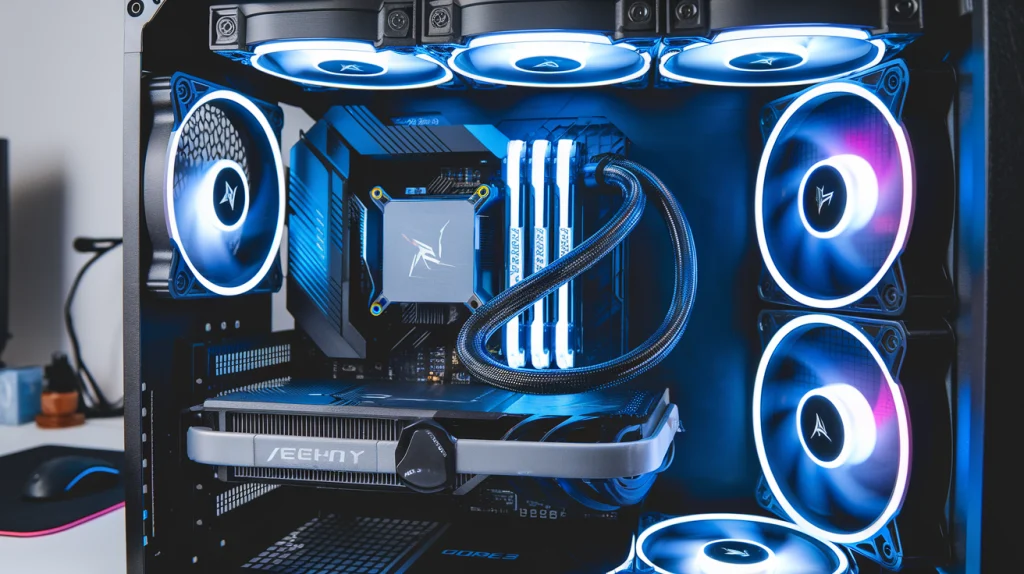
For AIO kits, installation is typically straightforward. You’ll need to mount the radiator and fans in your case, attach the water block to your CPU, and connect the pump to the motherboard.
For custom loops, the process is more complex, involving assembling all components, cutting tubes to size, and filling the loop with coolant. Make sure to follow the manufacturer’s instructions to avoid mistakes during installation.
Maintenance Tips for Prolonged Cooling Efficiency
To ensure your water cooling system runs smoothly for years, regular maintenance is necessary:
- Clean the Radiator: Dust and debris can accumulate on the radiator, blocking airflow. Clean it regularly to maintain optimal cooling.
- Check Coolant Levels: Over time, the coolant can evaporate. Keep an eye on the levels and top off as needed.
- Replace the Coolant: Change the coolant every 1-2 years to prevent build-up and ensure consistent performance.
Troubleshooting Common PC Water Cooling Issues
Common issues include leaks, pump failure, and clogged tubes. If your system is leaking, inspect the fittings and reseal them. If the pump is failing, check its connection to the power supply or replace it. Clogged tubes can often be cleared with a thorough cleaning.
Conclusion
In conclusion, PC water cooling offers several advantages, including superior cooling performance, quieter operation, and better aesthetics. Whether you go for an AIO kit or a custom loop depends on your budget, experience level, and performance needs. With the right kit, you can keep your PC running at optimal temperatures, even under heavy load. By understanding the components, installation process, and maintenance needs, you can enjoy the benefits of water cooling for years to come.