
The Ultimate Guide to Choosing the Perfect Laptop Vertical Holder
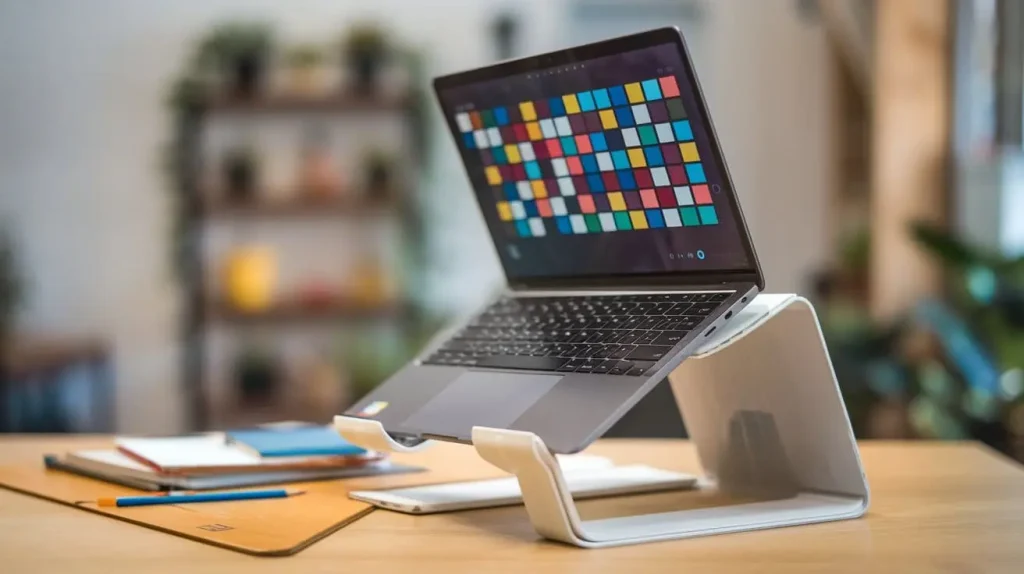
Are you looking for an efficient way to organize your desk and improve your workspace? A laptop vertical holder might be the perfect solution for you. This guide will explore the various benefits of using a laptop holder, including enhanced desk organization, improved ergonomics, and space-saving advantages. We’ll also provide insights into different types of vertical holders, key features to consider, and top recommendations to help you find the best option for your needs.
Content
Why You Need a Laptop Vertical Holder
Enhance Desk Organization
A laptop vertical holder is an excellent tool for enhancing desk organization. By elevating your laptop and placing it in a vertical position, you free up valuable desk space that can be used for other items. This organization not only makes your workspace look cleaner but also helps in maintaining a clutter-free environment.
| Feature | Traditional Desk Setup | With Laptop Vertical Holder |
| Desk Space | Limited | Increased |
| Clutter | High | Reduced |
| Accessibility | Moderate | High |
Improve Ergonomics
Using a laptop vertical holder can significantly improve your posture and ergonomics. By keeping your laptop in a vertical position, you can easily connect an external keyboard and mouse, which helps to maintain a more natural sitting posture and reduces the risk of strain.
| Feature | Without Vertical Holder | With Vertical Holder |
| Posture | Poor | Improved |
| Neck Strain | High | Reduced |
| Wrist Comfort | Moderate | Enhanced |
Save Space
A laptop holder is a space-saving solution for those with limited desk space. By storing your laptop vertically, you create more room for other essential items like documents, office supplies, or even additional monitors.
Types of Laptop Vertical Holders
Adjustable Laptop Vertical Holders
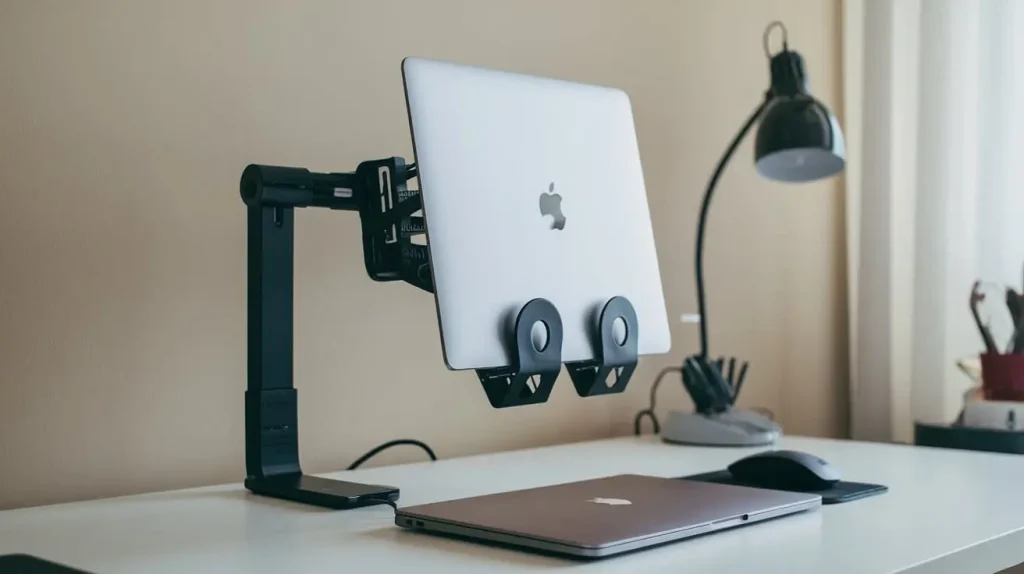
Adjustable laptop holders offer flexibility in positioning and can accommodate various laptop sizes. They are ideal for users who frequently switch between different devices or need to adjust the holder’s height and angle for better ergonomics.
Fixed Vertical Laptop Holders
Fixed vertical laptop holders provide a sturdy and reliable option for users who prefer a more permanent setup. These holders are designed to securely hold your laptop in a vertical position without adjustments, making them a good choice for dedicated workspaces.
Docking Station Models
Docking station models often come with additional features like extra USB ports, HDMI outputs, and other connectivity options. These laptop docking stations integrate the functionality of a vertical holder with the convenience of a docking station, offering an all-in-one solution.
Key Features to Look For in a Laptop Holder
Build Quality and Material
When choosing a laptop vertical holder, the build quality and material are crucial factors. Look for holders made from durable materials like aluminum or high-quality plastic to ensure long-lasting performance.
Compatibility and Size Adjustments
Ensure that the laptop vertical holder you choose is compatible with your laptop’s size and model. Adjustable holders are particularly beneficial as they can accommodate a range of laptop sizes and provide a customized fit.
Design and Aesthetics
The design and aesthetics of a laptop holder should complement your workspace. Opt for a sleek, modern design that matches your office décor while providing functional benefits.
Top Laptop Vertical Holders on the Market
Product Reviews and Recommendations
Here are some of the top-rated laptop vertical holders currently available:
| Product Name | Features | Price Range |
| X-Stand Pro | Adjustable, aluminum, sleek design | $50 – $70 |
| DockPro Station | Docking station, multi-port | $100 – $150 |
| SpaceSaver Stand | Fixed, compact, durable | $30 – $45 |
Price Range and Value
While price varies, investing in a high-quality laptop holder is worthwhile for the benefits it provides. Choose one that fits your budget while meeting your needs for functionality and design.
How to Set Up Your Laptop Vertical Holder
Step-by-Step Installation Guide
Setting up your laptop holder is straightforward:
- Unbox and Assemble: Follow the manufacturer’s instructions to assemble the holder if necessary.
- Position Your Laptop: Place your laptop in the vertical holder, ensuring it fits securely.
- Adjust Settings: If the holder is adjustable, set it to the desired height and angle.
Tips for Optimal Use
- Ensure Stability: Make sure the holder is stable and securely holds your laptop to prevent accidents.
- Use External Accessories: Consider using an external keyboard and mouse to enhance ergonomics.
Conclusion
In summary, a laptop vertical holder is an excellent investment for improving desk organization, ergonomics, and space efficiency. By choosing the right holder for your needs, you can create a more organized and comfortable workspace. Explore the options available and select a holder that best suits your requirements.