
Maximize Productivity with Laptop Screen Extender S1
In today’s fast-paced digital environment, working on a single laptop screen can severely limit productivity. If you find yourself constantly switching between windows or struggling to keep your workflow organized, a laptop screen extender can be your perfect solution. The Laptop Screen Extender S1 is designed to enhance your workspace, providing you with extra screen space for multitasking and improving your overall efficiency. This article explores the features, benefits, and real-world applications of the Laptop Screen Extender S1, along with comparisons to other brands like Maxfree and Kakuka.
Content
Understanding the Laptop Screen Extender S1
What is the Laptop Screen Extender S1?
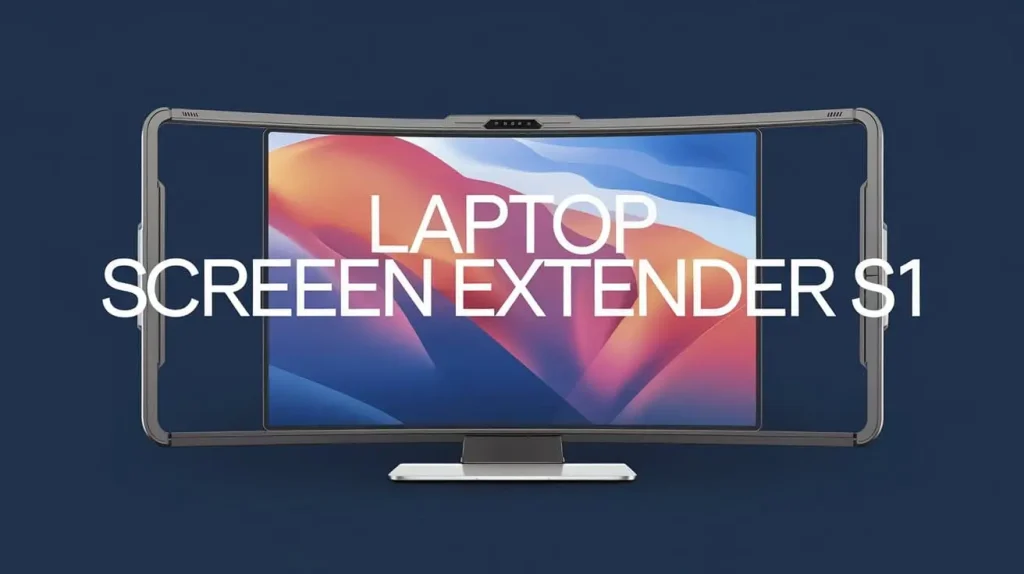
The Laptop Screen Extender S1 is a portable device that attaches to your laptop to expand your display capabilities. This device allows you to connect an additional screen, effectively turning your laptop into a dual-screen workstation. The S1 is lightweight, easy to carry, and designed to fit various laptop models, making it an ideal choice for professionals on the go.
Key Benefits of Using the Laptop Screen Extender S1
The Laptop Screen Extender S1 offers numerous advantages that can significantly boost your productivity:
- Increased Screen Real Estate: With an additional screen, you can have multiple applications open simultaneously, reducing the need to toggle between windows.
- Improved Ergonomics: The ability to adjust the positioning of your screens can help alleviate neck and eye strain associated with prolonged laptop use.
- Compatibility with Various Devices: The S1 can connect to a wide range of laptops and devices, making it a versatile addition to your tech arsenal.
| Feature | Laptop Screen Extender S1 | Maxfree Screen Extender | Kakuka Screen Extender | Feature |
| Screen Size | 15.6 inches | 14 inches | 15.6 inches | Screen Size |
| Resolution | 1920 x 1080 | 1920 x 1080 | 1366 x 768 | Resolution |
| Weight | 1.5 lbs | 2 lbs | 1.6 lbs | Weight |
| Compatibility | Universal | Limited | Universal | Compatibility |
| Price | $149 | $129 | $139 | Price |
How to Set Up Your Laptop Screen Extender S1
Step-by-Step Installation Guide
Setting up your Laptop Screen Extender S1 is straightforward. Follow these simple steps:
- Unbox the Device: Carefully remove the extender from its packaging, ensuring all components are included.
- Connect to Your Laptop: Use the provided USB or HDMI cable to connect the extender to your laptop.
- Power On: Turn on the extender and your laptop.
- Configure Display Settings: Adjust the display settings on your laptop to extend the display to the S1.
Troubleshooting Common Issues: “S1 Laptop Screen Extender No Signal”
If you encounter a “no signal” issue, try the following:
- Check Connections: Ensure all cables are securely connected.
- Update Drivers: Make sure your laptop’s display drivers are up to date.
- Restart Devices: Restart both your laptop and the extender.
Ensuring Optimal Performance
To get the most out of your Laptop Screen Extender S1, consider these tips:
- Adjust Settings: Navigate to your laptop’s display settings to optimize resolution and orientation.
- Use Productivity Apps: Software like Microsoft Excel, Trello, and Slack can benefit significantly from a dual-screen setup, allowing you to manage tasks more effectively.
Comparison with Other Brands: Maxfree and Kakuka
Maxfree Laptop Screen Extender Overview
The Maxfree Screen Extender is another popular choice, known for its portability and ease of use. Here’s a comparison of key features:
| Feature | Laptop Screen Extender S1 | Maxfree Screen Extender |
| Screen Size | 15.6 inches | 14 inches |
| Resolution | 1920 x 1080 | 1920 x 1080 |
| Weight | 1.5 lbs | 2 lbs |
| Compatibility | Universal | Limited |
| Price | $149 | $129 |
Pros:
- High resolution
- Lightweight design
Cons:
- May not be compatible with all devices
Kakuka Laptop Screen Extender Analysis
The Kakuka Screen Extender also offers a solid performance, especially for users seeking affordability. Here’s how it compares:
- Screen Size: 15.6 inches
- Resolution: 1366 x 768
- Weight: 1.6 lbs
- Compatibility: Universal
- Price: $139
Pros:
- Affordable option
- Easy setup
Cons:
- Lower resolution compared to S1
Real-World Applications of Laptop Screen Extender S1
For Remote Work and Freelancing
The Laptop Screen Extender S1 is particularly beneficial for remote workers and freelancers. With multiple screens, you can have video calls on one display while working on documents or managing projects on another. This capability can significantly reduce distractions and streamline workflows.
For Students and Educators
Students can leverage the benefits of the S1 for studying and research. Having additional screens allows for efficient note-taking and simultaneous research, making it easier to manage coursework.
For Gamers and Content Creators
Gamers and content creators can also benefit from the Laptop Screen Extender S1. It allows gamers to monitor live streams or chat windows while playing, enhancing their gaming experience. Content creators can edit videos and have a reference screen open at the same time, improving workflow efficiency.
Maintenance and Care for Your Laptop Screen Extender S1
Keeping Your Extender in Top Shape
To ensure your Laptop Screen Extender S1 remains in good condition:
- Regular Maintenance: Check for software updates and clean the screen periodically to remove dust and fingerprints.
- Best Practices: Avoid exposing the device to extreme temperatures or moisture, and store it properly when not in use.
Warranty and Customer Support
The Laptop Screen Extender S1 typically comes with a warranty that covers manufacturing defects. If you encounter issues, reach out to customer support for assistance. Keep your purchase receipt to expedite the warranty process.
Conclusion
The Laptop Screen Extender S1 is a powerful tool for maximizing productivity in various environments. Its ability to expand your display capabilities enhances multitasking, improves ergonomics, and provides compatibility with different devices. By investing in a laptop screen extender, you can transform your workspace and significantly boost your efficiency.