
AMD Radeon R7 250 2GB Graphics Card: Performance Insights
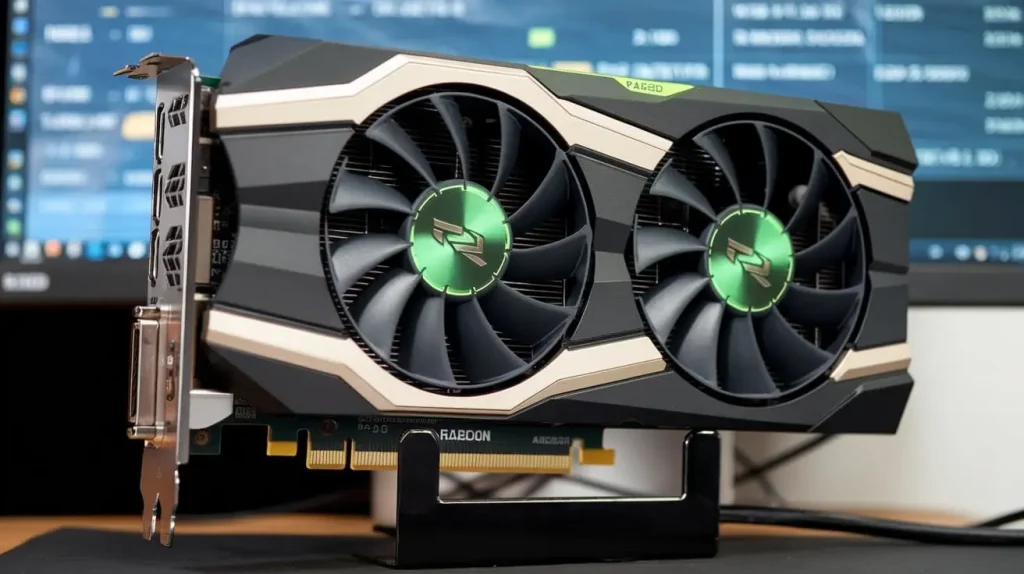
The AMD Radeon R7 250 2GB graphics card is a budget-friendly option designed to cater to casual gamers and multimedia users looking for decent performance without breaking the bank. This article delves into its specifications, performance, installation, and driver support, providing comprehensive insights into this graphics card’s capabilities and value in the market.
Content
Overview of the AMD Radeon R7 250 2GB Graphics Card
Specifications
The AMD Radeon R7 250 is built on the Graphics Core Next (GCN) architecture, which enables it to handle modern gaming and multimedia tasks efficiently. Here are its key specifications:
| Specification | Details |
| Memory | 2GB DDR3 |
| Memory Interface | 128-bit |
| GPU Architecture | GCN (Graphics Core Next) |
| Clock Speed | Base: 1000 MHz, Boost: 1050 MHz |
| DirectX Support | DirectX 12 |
Key Features
The R7 250 boasts several features that enhance its usability and performance:
- DirectX 12 Support: This enables better performance in modern games that utilize the latest graphics APIs.
- AMD PowerTune Technology: Optimizes performance by adjusting clock speeds based on workload, ensuring efficiency.
- Multi-Display Support: Thanks to Eyefinity technology, users can connect multiple monitors for an immersive gaming experience.
Target Audience
This graphics card is ideal for:
- Gamers on a Budget: Those looking for a low-cost entry point into gaming.
- Casual Gamers: Players who enjoy lighter titles or esports games without demanding top-tier performance.
- Multimedia Users: Individuals who require decent performance for video editing or graphic design at a budget-friendly price.
Performance Analysis of the AMD Radeon R7 250 2GB Graphics Card
Benchmarking Performance
In terms of gaming performance, the AMD Radeon R7 250 can handle a variety of games at 1080p resolution. Below is a comparison of benchmark results for popular titles.
| Game Title | Average FPS (R7 250) | Average FPS (GTX 750) | Notes |
| CS | 75 | 85 | Excellent for competitive play |
| Dota 2 | 60 | 70 | Smooth gameplay in high settings |
| Fortnite | 50 | 60 | Medium settings recommended |
| League of Legends | 70 | 80 | Good performance overall |
Real-World Gaming Experience
The R7 250 excels in less demanding games and can run popular esports titles smoothly. Most users report satisfactory performance at medium settings, allowing for a good balance between visual quality and frame rates.
Power Consumption and Efficiency
With a typical power draw of about 65 watts under load, the AMD Radeon R7 250 is an energy-efficient option compared to many of its competitors, making it suitable for budget-conscious gamers looking to minimize their electricity bills.
Installation and Setup
Compatibility Considerations
Before purchasing the AMD Radeon R7 250, ensure compatibility with your system:
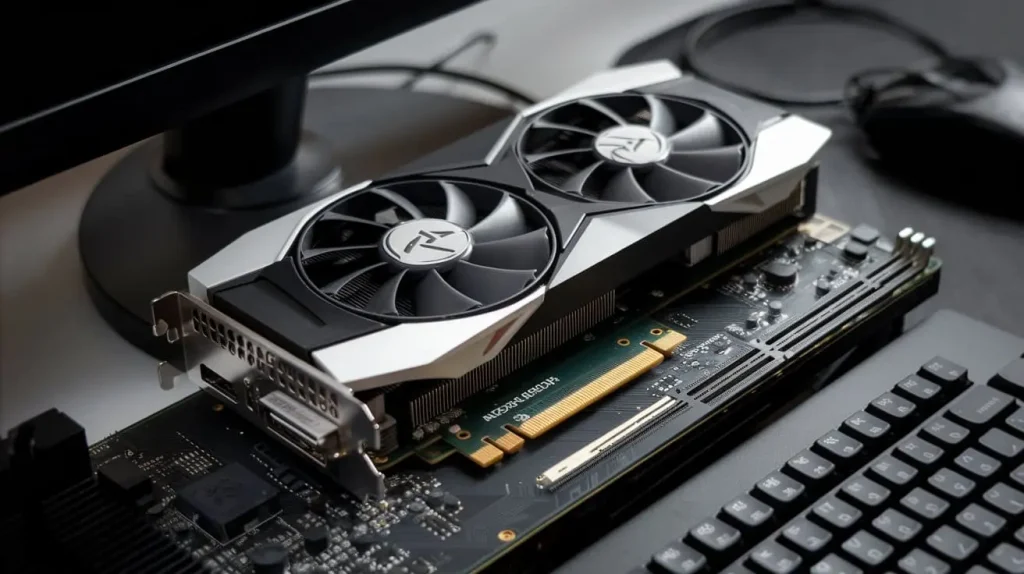
- Motherboard Compatibility: The R7 250 fits into a PCI Express x16 slot, which is standard on most modern motherboards.
- Power Supply Requirements: A minimum of 400 watts is recommended, with at least one 6-pin PCIe power connector.
Installation Process
Installing the AMD Radeon R7 250 is a straightforward process:
- Power Down Your PC: Shut down and unplug your computer.
- Open the Case: Remove the side panel of your computer case.
- Insert the Card: Locate the PCIe x16 slot and gently insert the R7 250.
- Secure the Card: Use screws to secure the card in place.
- Connect Power Supply: Attach the 6-pin PCIe power connector from the PSU.
- Close the Case: Replace the side panel and plug in your computer.
- Install Drivers: Upon booting up, download and install the latest drivers from the AMD website.
Driver Support and Updates
Importance of Updated Drivers
Keeping the AMD Radeon R7 250 driver updated is crucial for optimal performance. Updated drivers can fix bugs, improve compatibility with new games, and provide enhancements that can lead to better frame rates.
How to Download and Install Drivers
To download the latest drivers:
- Visit the official AMD website.
- Navigate to the support section.
- Search for “AMD Radeon R7 250.”
- Download and install the latest driver version suitable for your operating system.
Comparison with Competitors
AMD vs. NVIDIA Graphics Cards
The AMD Radeon R7 250 competes with NVIDIA’s GTX 750 and GTX 740 in the budget segment. While the R7 250 provides excellent performance in DirectX 12 titles, the GTX 750 may offer better performance in certain games due to its newer architecture.
Price to Performance Ratio
The R7 250 is often praised for its price-to-performance ratio, making it an appealing option for budget gamers. Below is a comparison of price and performance with some competitors.
| Graphics Card | Price (Approx.) | Average FPS (Popular Titles) | Value for Money |
| AMD Radeon R7 250 | $70 | 60 FPS | Good |
| NVIDIA GTX 750 | $90 | 70 FPS | Moderate |
| AMD Radeon R7 240 | $60 | 50 FPS | Fair |
Conclusion
In summary, the AMD Radeon R7 250 2GB graphics card is a robust choice for budget gamers seeking decent performance in esports and casual gaming. While it may not compete with higher-end cards, its affordability, coupled with reasonable performance metrics, makes it an attractive option for those looking to enhance their gaming experience without overspending.