
Laptop Wall Mount – Save Space & Improve Ergonomics Easily
In an age where remote work and digital connectivity dominate our lives, the need for effective workspace organization has never been more crucial. A laptop wall mount can help you save space and improve ergonomics easily. By utilizing a wall mount, you can free up valuable desk space, achieve better viewing angles, and create a more organized environment. This article explores the benefits of laptop wall mounts, the different types available, and tips on selecting and installing the right mount for your needs.
Content
Benefits of Using a Laptop Wall Mount
Space-Saving Solution
A laptop wall mount shelf can dramatically free up desk space, allowing you to declutter your work area. By elevating your laptop off the desk, you create more room for essential items like notebooks, plants, or even decorative elements. This not only enhances the aesthetic appeal of your workspace but also fosters productivity by minimizing distractions.
Improved Ergonomics
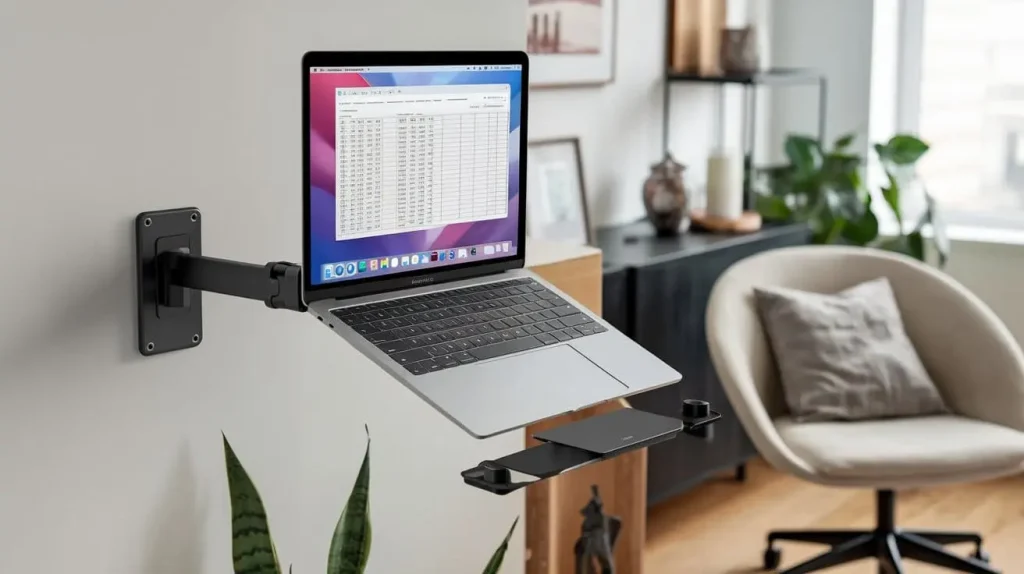
Using a laptop wall mount arm can significantly improve your workstation’s ergonomics. Proper positioning of your laptop can help you maintain a neutral posture, reducing strain on your neck and back. According to studies, improper laptop placement is a leading cause of discomfort among remote workers. With an adjustable mount, you can customize the height and angle, promoting a healthier posture throughout your workday.
Versatility and Accessibility
Laptop wall mounts offer various placement options to meet diverse needs. Whether you’re working from home, gaming, or using your laptop for presentations, a wall mount allows for easy access and adaptability. Some mounts can be adjusted or moved, ensuring that your laptop is always in the most convenient position.
Types of Laptop Wall Mounts
| Type | Description | Ideal Use Cases |
| Laptop Wall Mount Shelf | A flat surface to hold your laptop, often with additional space for accessories. | Minimalist setups, small workspaces. |
| Laptop Wall Mount Arm | An adjustable arm that can extend, retract, and tilt, allowing for optimal positioning. | Dynamic work environments, multiple users. |
| Wall-Mounted Laptop Stand | A stand that holds the laptop at a fixed height, often with ventilation features. | Long-term use, heat management. |
Laptop Wall Mount Shelves
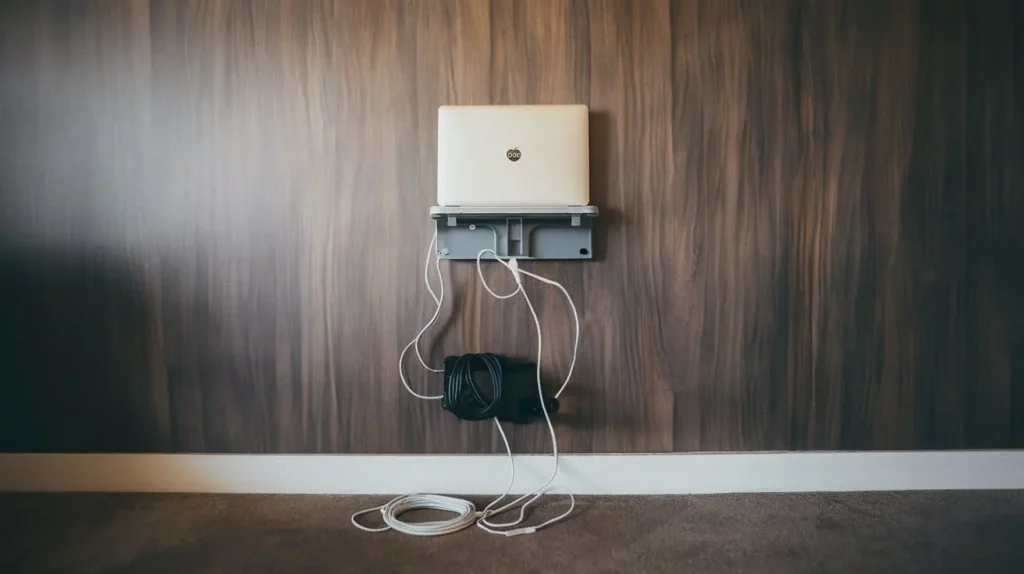
Laptop Holder wall mount shelves provide a flat surface for your laptop and can often include additional storage space for peripherals. They are ideal for minimalist setups where space is limited. However, they might lack the adjustability that some users need for optimal ergonomic benefits.
Laptop Wall Mount Arms
Laptop wall mount arms offer unparalleled flexibility, allowing you to adjust your laptop’s position easily. Whether you need to extend the arm for a more comfortable viewing angle or retract it for storage, these mounts cater to a wide range of user needs. However, they may require more installation effort compared to a shelf.
Wall-Mounted Laptop Stands
Wall-mounted laptop stands hold your laptop at a fixed height and may come with features designed to improve airflow. These are great for long-term use and help manage heat, but they may not provide the same level of customization as a wall mount arm.
How to Choose the Right Laptop Wall Mount
Assessing Your Space Needs
Before purchasing a laptop wall mount, assess your workspace. Consider factors like available wall space, desk layout, and how you typically use your laptop. Measure the dimensions to determine the best placement for the mount.
Weight and Size Considerations
Make sure to check the weight limits and size compatibility of the laptop wall mount you’re considering. Most mounts will specify a maximum weight they can support, which is crucial for ensuring safety and longevity.
Installation and Setup
Installation can vary significantly depending on the type of mount you choose. While some wall mounts come with comprehensive instructions, others may require additional tools. Be prepared to gather necessary equipment, such as a drill, level, and screwdriver.
Installation Tips for Your Laptop Wall Mount
Step-by-Step Guide to Installation
- Gather Your Tools: You will need a drill, screwdriver, level, and measuring tape.
- Select the Mounting Location: Choose a height that promotes ergonomic posture. Ideally, the top of your laptop screen should be at or slightly below eye level.
- Mark the Spot: Use a pencil to mark where the screws will go. Ensure they are level.
- Drill Holes: Carefully drill holes at the marked points.
- Attach the Mount: Secure the mount to the wall with screws, ensuring it is firmly in place.
- Test the Setup: Before placing your laptop, test the mount for stability.
Common Mistakes to Avoid
- Ignoring Weight Limits: Always adhere to the specified weight limits to prevent accidents.
- Poor Placement: Make sure to select an ergonomic height that suits your needs.
- Skipping the Level: Use a level tool to ensure the mount is straight, preventing misalignment.
Maintenance Tips
To ensure the longevity of your laptop wall mount, regularly check for any loose screws and tighten them if necessary. Clean the mount with a soft cloth to remove dust and prevent wear over time.
Conclusion
In summary, a laptop wall mount is an effective solution for saving space and improving your workspace ergonomics. By selecting the right type of mount—be it a shelf, arm, or stand—you can create a more organized and comfortable environment. Take the time to assess your needs and follow the installation tips to maximize the benefits of your new setup. If you’re ready to enhance your workspace, consider investing in a laptop wall mount today.