
SSD vs HDD: What’s the Difference?
When it comes to data storage devices, two terms dominate the conversation: SSD vs HDD. While both serve the primary purpose of storing data, their underlying technology, performance, and use cases vary significantly. Let’s explore the key differences between SSDs and HDDs and understand which one might be the right choice for you.
Content
How Do SSDs Work?
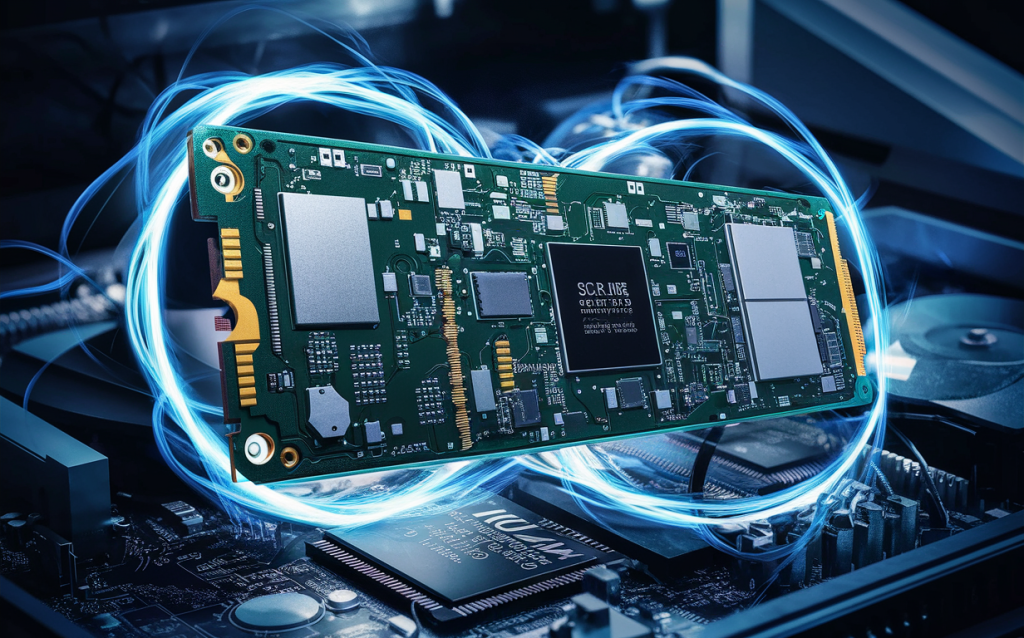
Solid State Drives use flash memory to store data, meaning they have no moving parts. Instead of spinning disks, SSDs rely on interconnected memory chips to process and retrieve data. This design allows SSDs to operate silently and perform tasks faster than their HDD counterparts. Additionally, SSDs are more durable, as they are less susceptible to physical damage caused by drops or vibrations.
Also Read: A Comprehensive Guide of How to connect SSD to motherboard?
How Do HDDs Work?
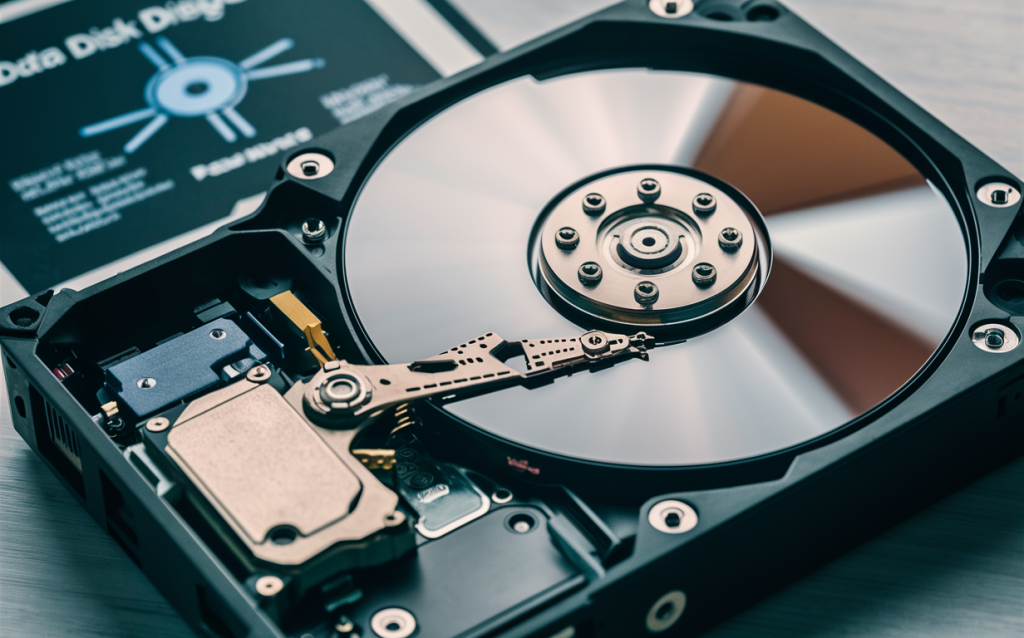
Hard Disk Drives store data on spinning magnetic disks, also known as platters. These platters are accessed by a mechanical arm that reads and writes data. This mechanical process, while effective, is inherently slower than the flash memory technology used in SSDs. HDDs have been around for decades and are known for their cost-efficiency and ability to store large amounts of data at a relatively low price point.
Also Read: How to Check Samsung SSD Firmware Version
SSD vs HDD: Key Differences
- Speed: SSDs significantly outperform HDDs in terms of read and write speeds. This makes SSDs ideal for tasks like booting up an operating system, loading applications, or transferring large files.
- Durability: With no moving parts, SSDs are more resistant to physical shocks and vibrations. HDDs, on the other hand, are more prone to damage due to their mechanical components.
- Capacity: While HDDs offer higher storage capacities at lower prices, SSDs are catching up, providing ample storage options with faster performance.
- Price: SSDs are generally more expensive per gigabyte than HDDs, making HDDs a popular choice for budget-conscious consumers.
- Noise: SSDs operate silently, whereas HDDs may produce noise due to their spinning platters and moving arms.
Also Read: How to Install SSD? A Detailed Installation Guide
When to Use HDD vs. SSD
- SSD Use Cases: If speed, durability, and noise-free operation are priorities, SSDs are the ideal choice. They are perfect for laptops, gaming PCs, and high-performance tasks like video editing.
- HDD Use Cases: For bulk storage needs at a lower cost, HDDs are a practical solution. They work well for archiving data, media libraries, and backups.
Also Read: A Step-by-Step Guide on How to Install an SSD in Any Laptop
Summary of Differences: SSD vs. HDD
- Technology: Flash memory (SSD) vs. spinning platters (HDD)
- Performance: Faster (SSD) vs. slower (HDD)
- Cost: Higher (SSD) vs. lower (HDD)
- Durability: More durable (SSD) vs. less durable (HDD)
- Noise: Silent (SSD) vs. audible (HDD)
How Can AWS Support Your HDD and SSD Requirements?
AWS offers a comprehensive range of storage solutions tailored to your needs, whether you’re looking for SSD-level performance or HDD-based cost-efficiency. Services like Amazon Elastic Block Store (EBS) provide scalable storage options that cater to both personal and enterprise-level demands. With AWS, you can seamlessly integrate SSD or HDD storage into your cloud infrastructure, ensuring optimal performance and cost management.
Choosing between SSD and HDD ultimately depends on your specific requirements. By understanding the differences and leveraging AWS’s flexible storage solutions, you can make an informed decision that aligns with your goals.
FAQs
Which is faster, SSD or HDD?
SSDs are significantly faster than HDDs due to their use of flash memory technology and lack of moving parts.
Are SSDs more durable than HDDs?
Yes, SSDs are more durable as they have no moving parts, making them less prone to physical damage compared to HDDs.