
Motherboard USB 3.0 Header Y Splitter – Best Options & Guide
In today’s digital world, connectivity is essential for maximizing the functionality of your devices. A motherboard USB 3.0 header Y splitter is a crucial accessory that allows users to expand the number of USB ports available on their computers. By utilizing a Y splitter, you can connect multiple USB devices, such as external drives, printers, and other peripherals, all through a single motherboard USB 3.0 header. This guide will explore the different types of USB 3.0 header splitters available, highlight the best options on the market, provide an installation guide, and troubleshoot common issues.
Content
Understanding Motherboard USB 3.0 Headers
What is a USB 3.0 Header?
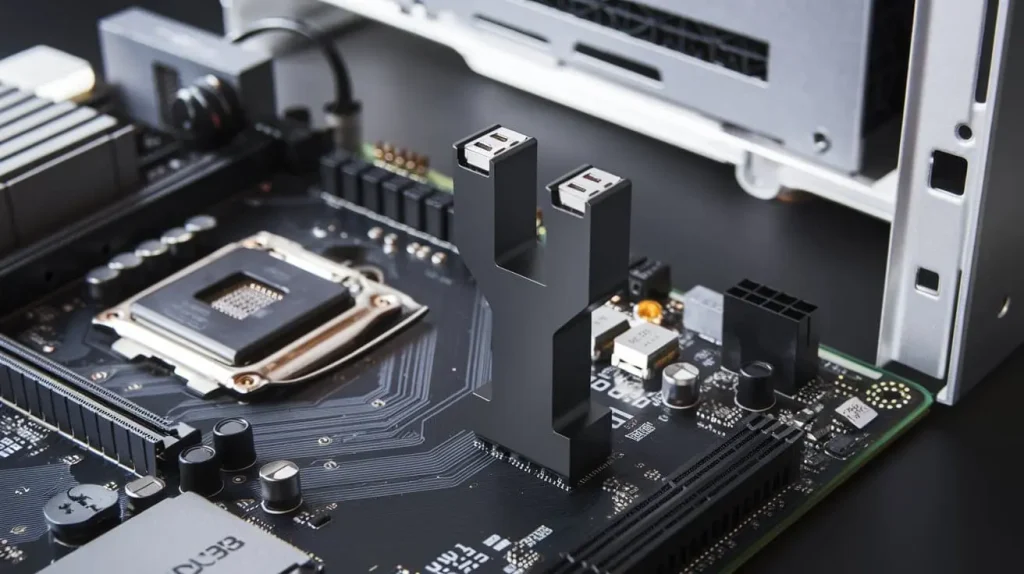
A USB 3.0 header is a socket on a computer motherboard that allows the connection of USB devices through an internal cable. Unlike standard USB ports, which connect to devices externally, USB 3.0 headers offer a direct line for internal USB connections, enhancing the speed and efficiency of data transfer. USB 3.0 headers support data transfer rates up to 5 Gbps, significantly faster than USB 2.0, which tops out at 480 Mbps.
Why Use a Motherboard USB 3.0 Header Y Splitter?
Using a motherboard USB 3.0 header Y splitter can greatly enhance your system’s connectivity. Here are some reasons to consider this accessory:
- Increased Connectivity: A Y splitter allows you to connect multiple devices to a single USB 3.0 header.
- Flexibility: Easily connect various devices without needing additional USB ports or hubs.
- Efficient Space Utilization: Organize your workspace and reduce cable clutter.
Types of Motherboard USB 3.0 Header Y Splitters
Standard USB 3.0 Header Splitters
Standard USB 3.0 header splitters are the most basic type. They typically feature two USB ports that connect to a single USB 3.0 header on the motherboard.
| Feature | Standard Splitter |
| Ports | 2 |
| Power Requirement | None |
| Ideal For | Low-power devices |
| Price Range | $10 – $20 |
Pros:
- Cost-effective
- Simple installation
Cons:
- Limited to low-power devices
- May not support high-speed transfers with multiple devices
Powered USB 3.0 Header Splitters
Powered USB 3.0 header splitters come with an external power supply to provide additional power to connected devices. This feature is especially beneficial for devices that require more power, such as external hard drives or USB-powered monitors.
| Feature | Powered Splitter |
| Ports | 4 or more |
| Power Requirement | Requires external power source |
| Ideal For | High-drain devices |
| Price Range | $20 – $50 |
Pros:
- Supports multiple high-drain devices
- Ensures stable power for all connected devices
Cons:
- More expensive than standard splitters
- Requires additional space for power supply
Sabrent Internal USB 3.0 Hub/Splitter
The Sabrent Internal USB 3.0 Hub/Splitter is a popular choice among PC builders. It offers four USB 3.0 ports, which can accommodate multiple devices simultaneously. Its design includes an easy-to-install bracket, making it a user-friendly option for those looking to enhance their system’s connectivity.
Key Features:
- Four USB 3.0 ports
- Compact design with easy installation
- High-speed data transfer rates
User Reviews
Here’s a brief overview of user experiences with the Sabrent Internal USB 3.0 Hub/Splitter:
| User Rating | Pros | Cons |
| 4.8/5 | Fast transfer speeds | May need an external power source |
| 4.5/5 | Easy installation | Limited cable length |
| 4.7/5 | Excellent build quality | Slightly higher price |
Best Options for Motherboard USB 3.0 Header Y Splitters
Top Recommendations
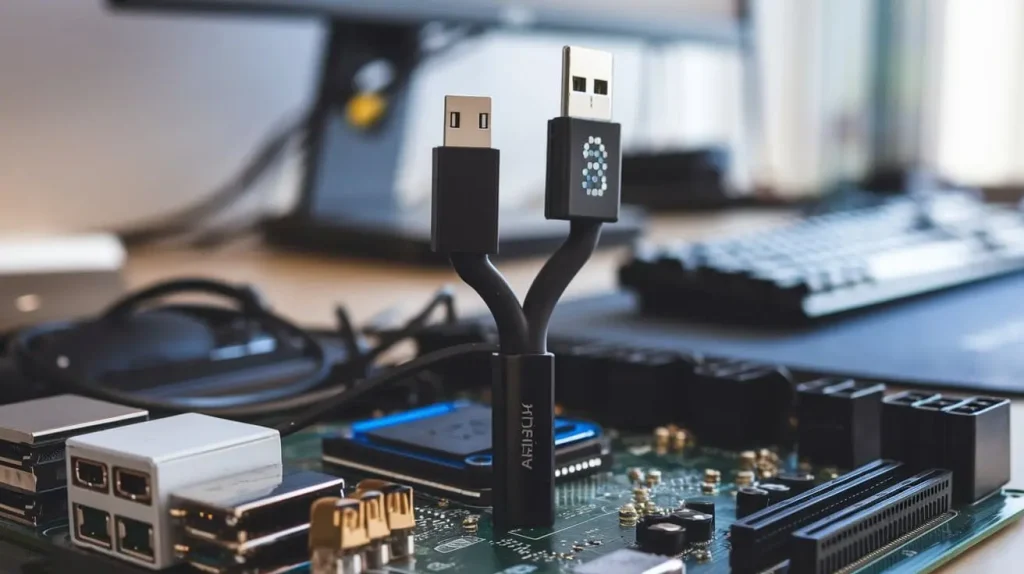
1. Sabrent USB 3.0 Hub/Splitter
- Features: Four USB 3.0 ports, compact design, high-speed transfer.
- Price: Approximately $25.
2. AmazonBasics USB 3.0 Header Splitter
- Features: Two ports, basic functionality.
- Price: Approximately $15.
Price Comparison and Budget Options
When shopping for a motherboard USB 3.0 header Y splitter, consider your budget and the number of devices you need to connect. Here’s a comparison of options:
| Model | Number of Ports | Power Supply | Price |
| Sabrent Internal USB Hub | 4 | Optional | $25 |
| AmazonBasics USB 3.0 Splitter | 2 | None | $15 |
| UGREEN USB 3.0 Hub | 3 | None | $20 |
| Anker USB 3.0 Hub | 7 | Optional | $40 |
Installation Guide for Motherboard USB 3.0 Header Y Splitters
Tools Needed
- Phillips screwdriver
- Anti-static wrist strap (optional)
Step-by-Step Installation Process
1. Preparing Your PC
- Ensure your PC is powered off and unplugged.
- Wear an anti-static wrist strap to prevent static discharge.
2. Locating the USB 3.0 Header
- Open your computer case and locate the USB 3.0 header on the motherboard. It’s usually a 19-pin connector labeled “USB3.”
3. Connecting the Y Splitter
- Connect the splitter’s connector to the USB 3.0 header on the motherboard.
- If using a powered splitter, connect the power supply as per the manufacturer’s instructions.
4. Testing the Connection
- Reassemble your PC and power it on.
- Check for functionality by connecting a USB device to the splitter.
Troubleshooting Common Issues
Connection Problems
If you encounter issues where devices are not recognized:
- Check Connections: Ensure that all connections are secure.
- Update Drivers: Make sure your motherboard drivers are up to date.
Performance Issues
If the devices are slow or unresponsive:
- Check Power Supply: If using a powered splitter, ensure that the power supply is functioning.
- Test Ports Individually: Try connecting devices one at a time to identify potential faults.
Conclusion
In summary, a motherboard USB 3.0 header Y splitter is an excellent investment for users looking to expand their connectivity options. Whether you opt for a standard or powered model, these splitters can help you connect multiple devices efficiently. Consider your specific needs, budget, and device requirements when choosing the best option for your system.